Ready to Begin Testing
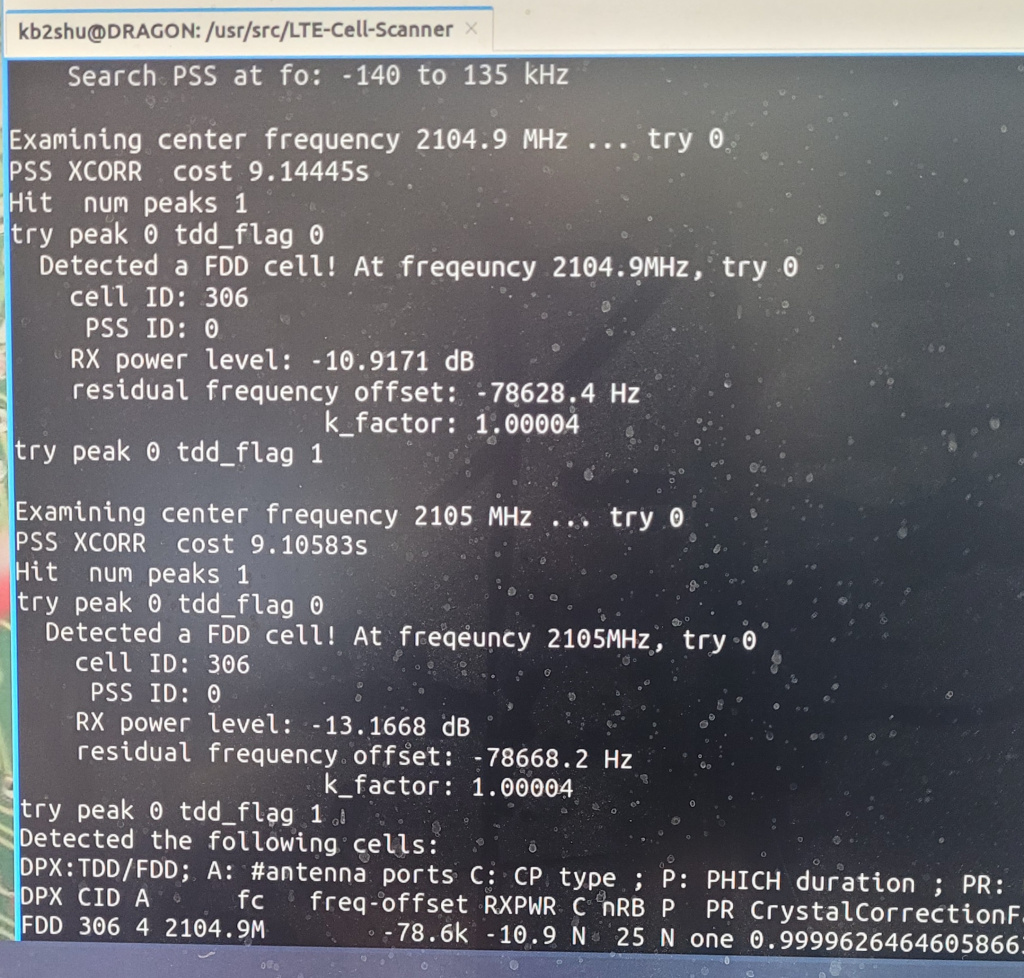
The HP ProLiant server is ready to go to work. The hardware and passthroughs are all configured and tested. In case you missed it, here’s what we’ve accomplished so far:
- HP ProLiant ML350P Rescued and Refurbished
- Proxmox Virtual Environment v9.2.5
- O/S Installation: Ubuntu/Windows/KALI/DragonOS
- Alfa AWUS036ACH WiFi Adapter
- USRP B210 AD9361BBCZ + XC7K325T SDR DEV BOARD
- HackRF Pro 100khz thru 6ghz Transceiver
- MultiTech MTCAPW-L12G2 WiFi Gateway
- PCIe USB 3.0 Serial Bus Adapter [Renesas Chipset]
- Marauder V8 ESP32 WiFi / Bluetooth Analyzer
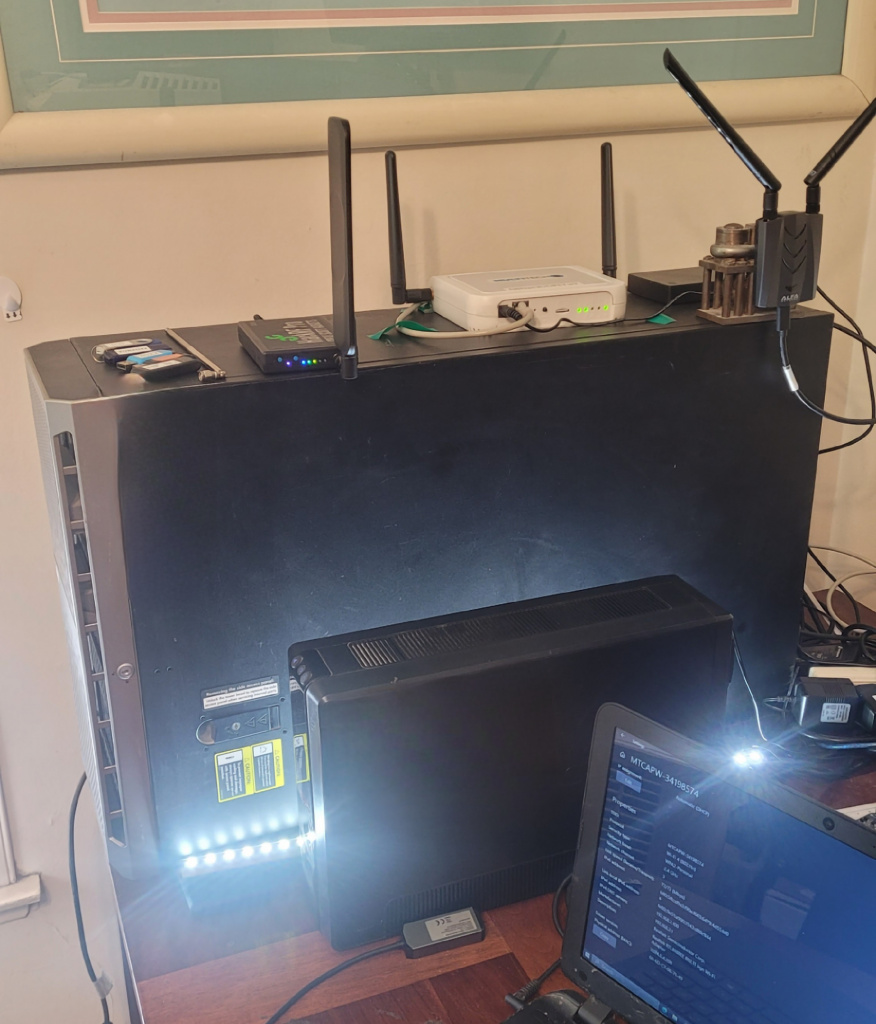
First Run: LTE FDD Cell Detected
The LTE CellScanner located this LTE signal quickly. However, the Falcon analyzer was unable to sync the signal. As it turned out, the Falcon software was unable to issue valid changes in RX bandwidth, ending up with just 2.5mhz wide bandpass. Unfortunately, 2.5 mhz bandwidth is nowhere near wide enough to receive/decode the entire 20mhz wide LTE signal. if we want to work with these types of LTE signals, we need a radio that Falcon can communicate with better in terms of instructions that are compatible with the radio’s hardcoded bandwidth choices.
While it’s a bit disappointing, the HackRF radio can still be utilized for WiFi and Bluetooth analysis, as those bandwidths are more manageable by the HackRF native softwares.
USRP B210 AD9361 SDR Transceiver
Conclusion
Changing LTE frequencies is unlikely to solve this. The likely remedies are:
- Patch or rebuild Falcon’s Soapy backend to use fixed valid HackRF gains and a suitable sample rate.
- Disable Falcon’s AGC and manually set LNA, VGA, and AMP gains.
- Use CellSearch_hackrf or other HackRF-specific LTE tools.
- Use a USRP B210 or other SDR natively supported by Falcon/UHD.1
The strongest evidence is that the HackRF detects LTE with CellSearch_hackrf, while Falcon repeatedly fails before PSS/SSS synchronization. That isolates the fault to Falcon’s HackRF integration rather than the LTE signal or USB passthrough.