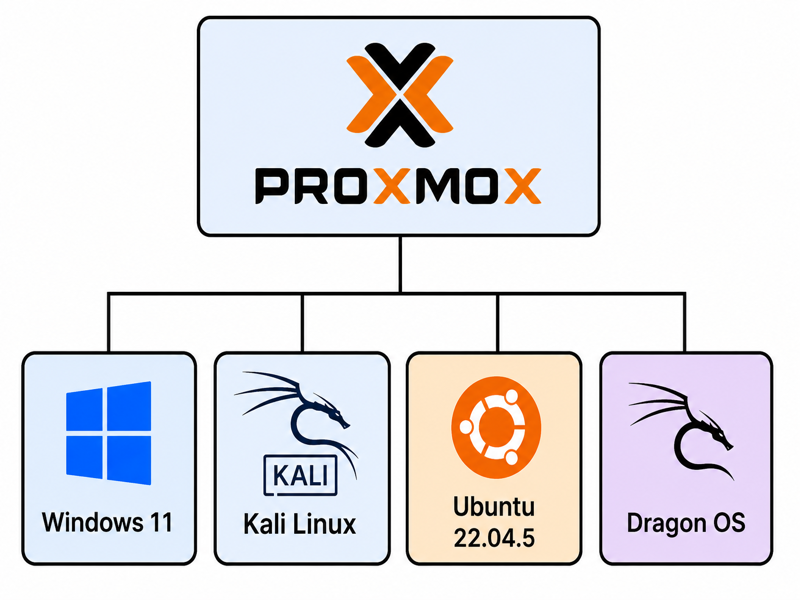
O/S Installations Complete
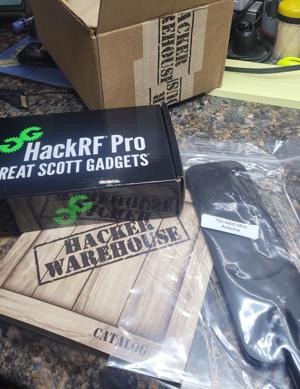
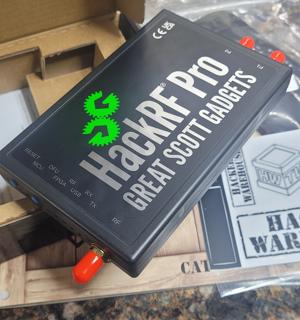
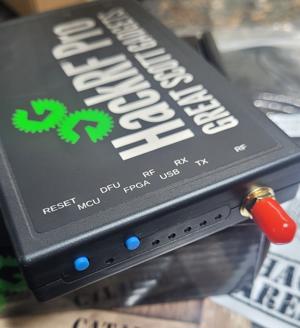
Now that the installation of the FOUR operating systems is complete, I can move on to adding, configuring, and setting up passthrough for all the peripheral devices. I’ll be adding a BLE transceiver (Bluetooth), WiFi transceiver, and a HackRF Pro transceiver for penetration testing.
Datacenter View
Here we can see the Proxmox Datacenter Overview. This view shows us the installed VM’s, their individual resource usage statistics, and the uptime for each VM. As shown here, the Proxmox O/S has access to 40 cpu’s (threads), 160 GB RAM and 6.6TB of RAID50 storage. The resource usage stats indicate that the resources are fairly evenly distributed between the VM’s, with Windows 11 O/S being the largest ‘consumer’ of resources thus far. At the moment this photo was taken, the server was not under load. I may need to redistribute some memory once I have an idea of the resource usage once the server is under load.
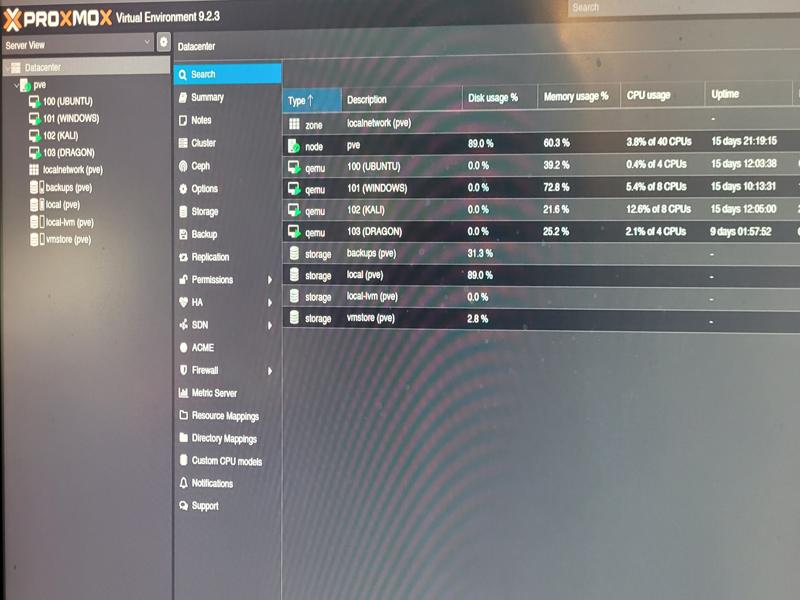
DataCenter View: Uptime 15 Days and counting. Four O/S running.
Ubuntu Desktop
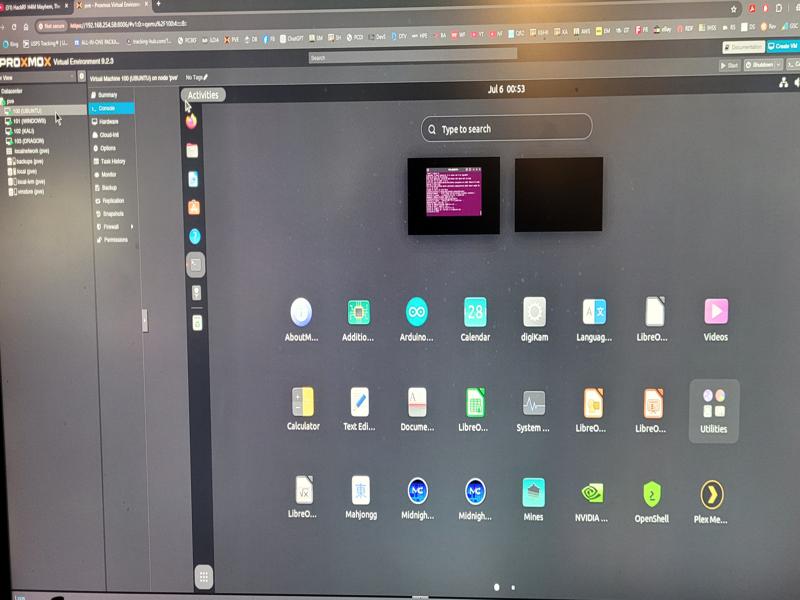
VM100: Ubuntu O/S v22.04.5 LTS
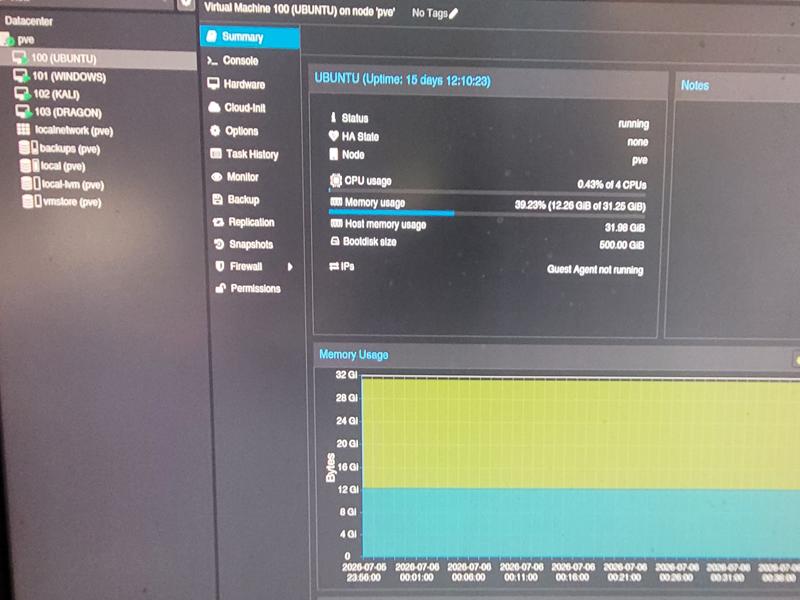
Ubuntu Stats: 4 cpu’s and 32GB RAM
Windows 11 Pro Desktop
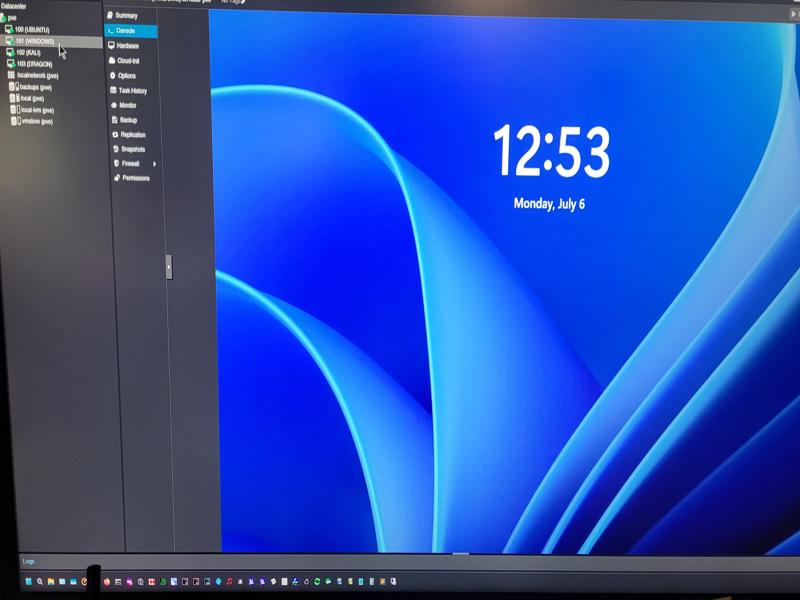
VM 101: Windows 11 Pro
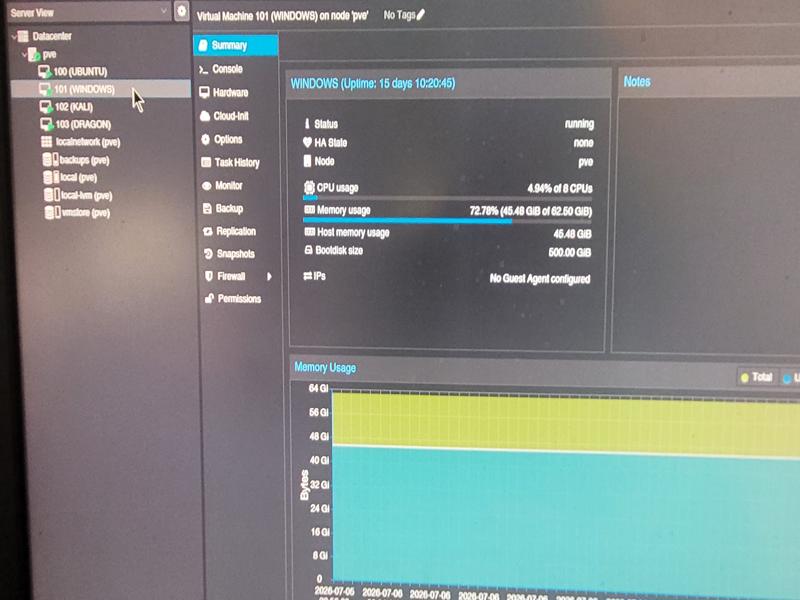
Windows 11 Stats: 8 cpu’s and 64GB RAM
KALI Linux Desktop
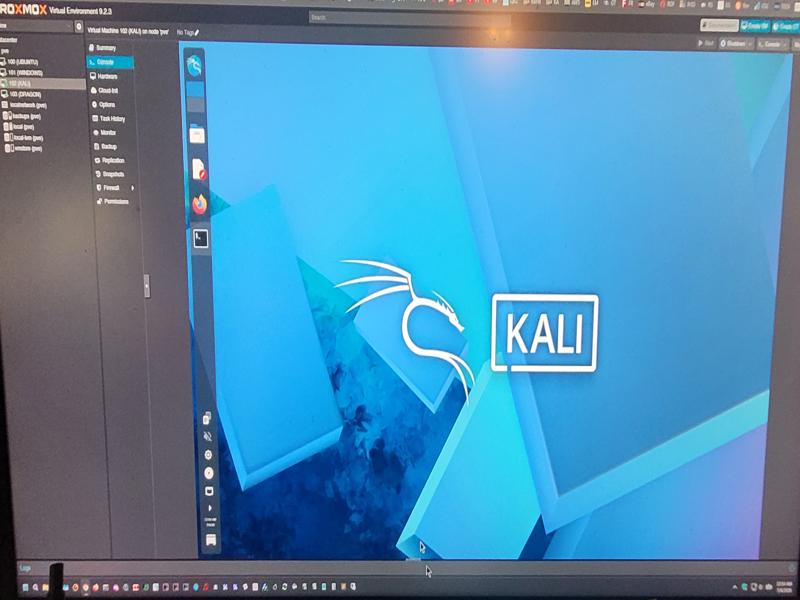
VM 102: KALI Linux (Rolling)
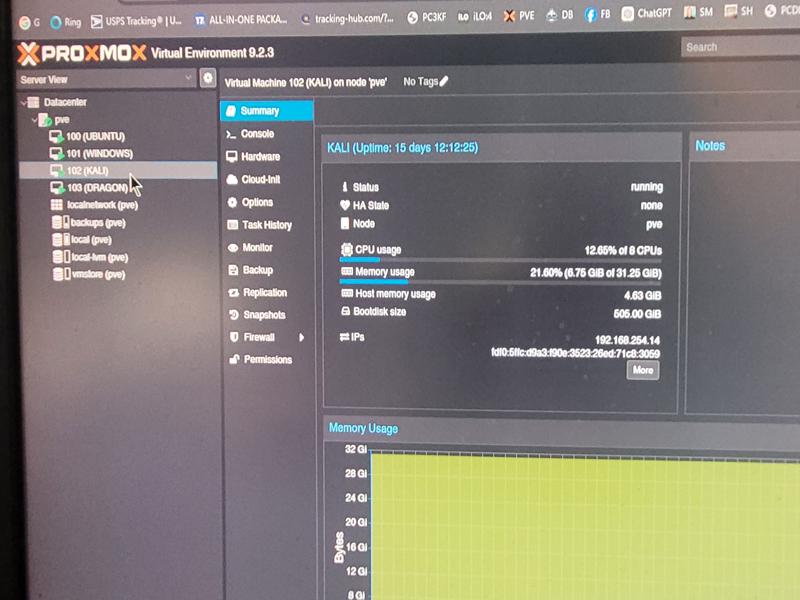
KALI Linux Stats: 8cpu’s and 32GB RAM
Dragon O/S Desktop
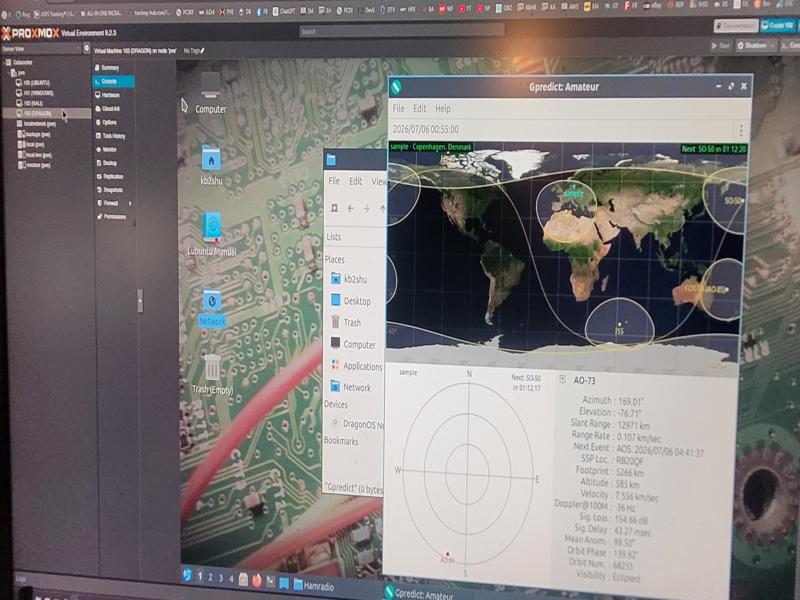
VM103: Dragon Linux O/S
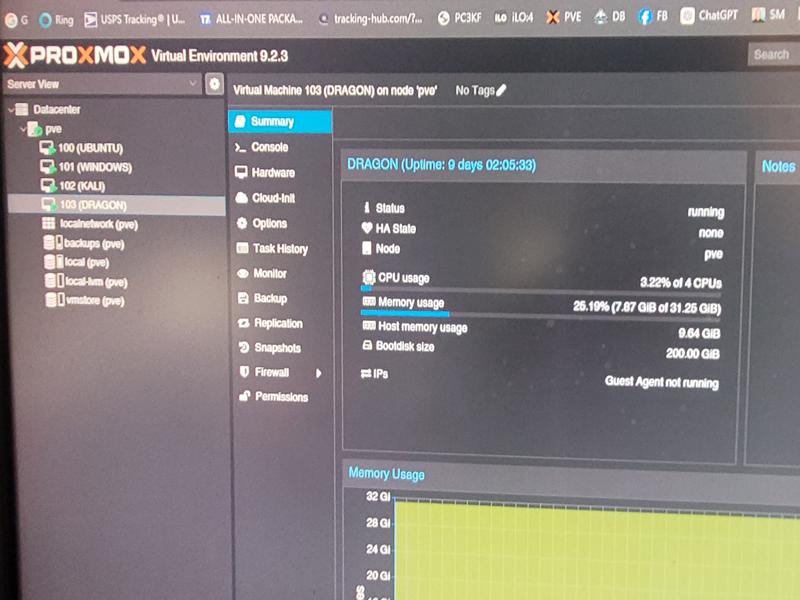
Dragon Linux O/S Stats: 4 cpu’s and 32 GB RAM
In addition to its penetration testing platform, the server will also host an Apache2 webserver, and a media streaming server. I am currently researching the streaming options available. Thus far, I’m leaning toward the “Plex” media server, as it was included in the initial Ubuntu setup.
Thanks to my fellow members of the Reddit HomeLab sub for sharing their experience with the ML350P, and to “ChatGPT” for providing some very valuable guidance during the install and configuration of Proxmox.
Apple iOS not ready for Proxmox v9.2.3
After unsuccessfully hacking at it for several days, I have decided to put the MacOS VM installation on the back burner. It’s become apparent that the MacOS tools currently available for installing iOS under Proxmox are not ready for primetime. While some of the install scripts claim to work under Proxmox v9, in reality, they do not work properly yet and only provide a broken VM at this point.
Next Up for Proxmox: HackRF Pro SDR…
Stay tuned!